Security Cameras: Buying Tips & Top Picks
Protect your home today. Discover how to choose the best security camera (Wi-Fi, Outdoor, IP) and see recommendations worth every penny.
Ever get that pit in your stomach when you leave for vacation and your house is empty? Or that uneasy feeling when you hear a strange noise in your backyard at night?
Your family's safety and your property aren't things you can leave to chance. Unfortunately, crime is a reality we all need to stay ahead. But here's the good news: monitoring technology has never been more affordable, intelligent, and easy to install.
In this ultimate guide, I'm not just going to list products. I'm going to teach you to think like a security pro. You'll discover how to eliminate blind spots, choose between local storage and cloud, and most importantly, how to avoid wasting money on equipment that fails when you need it most.
Get ready to transform your home into a smart fortress.

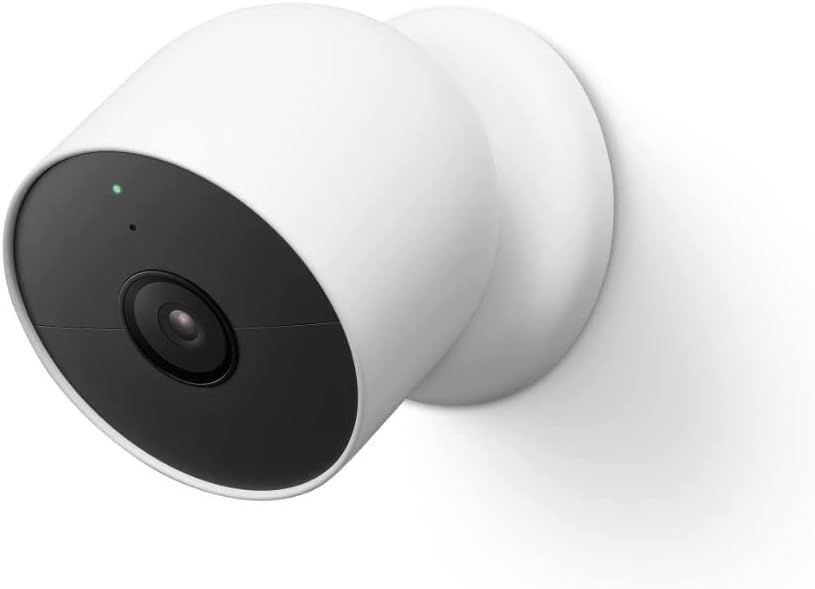

Table of Contents
- Why Security Cameras Are No Longer a Luxury
- Types of Cameras: Bullet, Dome or PTZ?
- Resolution and Image Quality: What Really Matters
- Connectivity and Storage: Wi-Fi vs Wired
- Top Market Recommendations
- Strategic Installation: Where to Place Them
- Frequently Asked Questions
- Conclusion
Why Security Cameras Are No Longer a Luxury
Back in the day, having a camera system (CCTV) was something only mansions or big businesses could afford. It required miles of cables, drilling holes everywhere, and expensive monitoring equipment. Today, with the Internet of Things (IoT), that's completely changed.
Having a security camera today is about managing your daily life and peace of mind, not just preventing burglaries.
Game-Changing Benefits
Psychological Deterrence (The Sentinel Effect): Research shows that the visible presence of a security camera can reduce the chance of a break-in by up to 60%. Opportunistic criminals prefer easy targets, not monitored ones.
Monitoring Vulnerable Family Members: It's not just about burglars. It's about seeing if the kids got home from school safely, checking if grandma's okay, or figuring out what your pet is destroying on the couch.
Legal Evidence: In case of incidents (even with neighbors or missing deliveries), video footage is your ace in the hole. Without it, it's your word against someone else's.
Property Value Boost: A home with smart security infrastructure and connected smart home gadgets has higher market value and better rental prospects.
Types of Cameras: Bullet, Dome or PTZ?
Mistake #1 is buying a camera based on looks without understanding its purpose. Each design has psychological and technical functions.
1. Bullet Camera (The Intimidator)
That classic cylindrical model that projects out from the wall.
- Where to use: Outdoor areas, gates, and yards.
- Advantage: Highly visible. It screams at intruders: "I'm recording you." Usually features long-range infrared and weather protection (IP66/IP67 rating).
2. Dome Camera (The Discreet One)
Has a half-sphere (dome) shape. More elegant and harder to tell where the lens is pointing.
- Where to use: Indoor areas, offices, covered patios, and elevators.
- Advantage: More resistant to vandalism (difficult to rip off or twist) and aesthetically pleasing.
3. PTZ Camera (The "Big Brother")
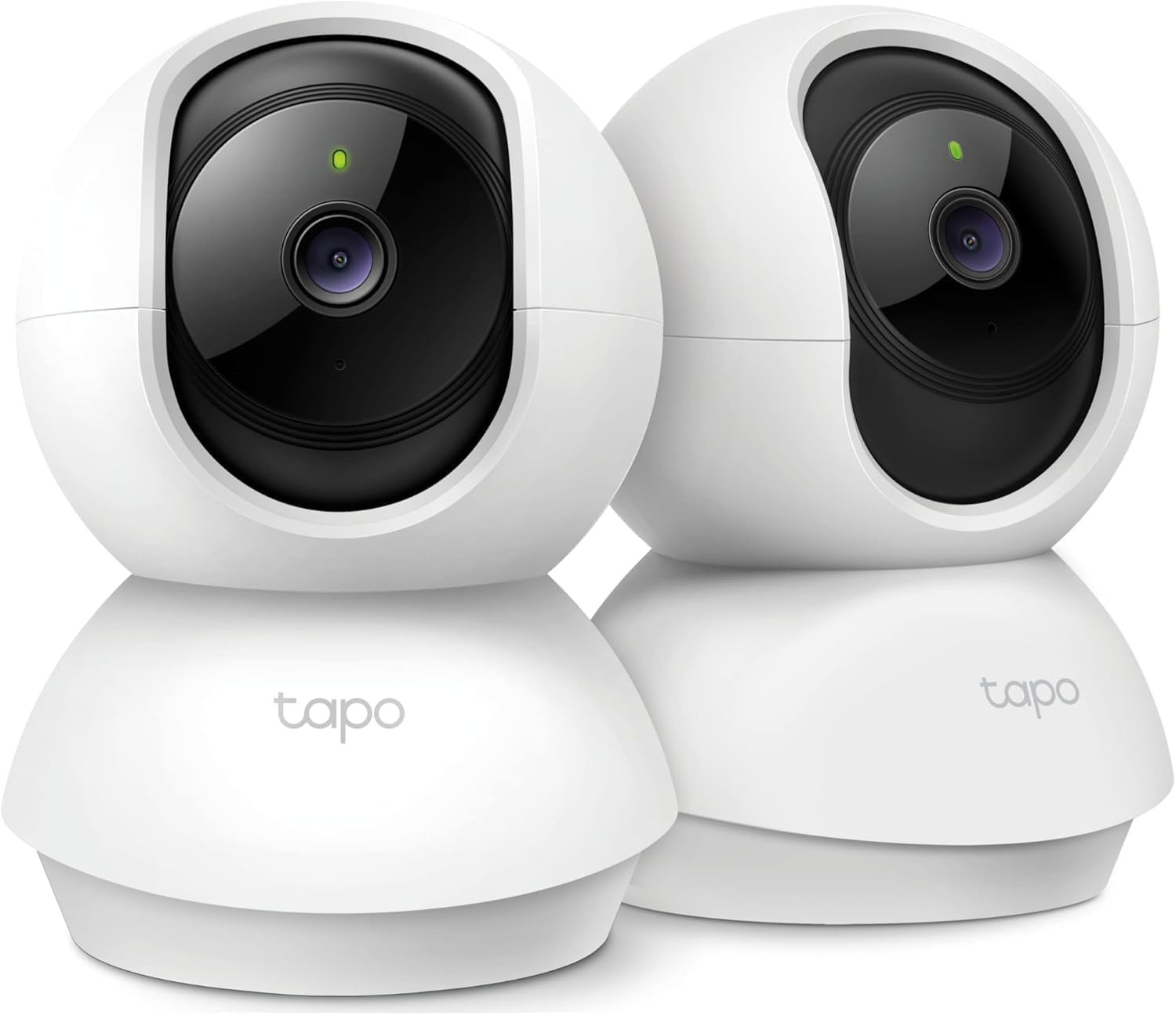
Stands for Pan-Tilt-Zoom. These are robotic cameras that rotate 360° and can be controlled from your phone.
- Where to use: Large open areas where a fixed camera would leave blind spots.
- Advantage: One PTZ camera can replace 2 or 3 fixed ones. Many feature "Auto-Tracking" (automatically following a person's movement).
4. Battery-Powered Cameras (100% Wire-Free)
A revolution for renters or anyone who doesn't want to drill holes.
- Where to use: Anywhere with Wi-Fi signal.
- Advantage: 30-second installation. However, they require periodic recharging and depend on a good router to save battery life.

Resolution and Image Quality: What Really Matters
Ever seen those police news images where the suspect is just a pixelated blur? That's low-resolution camera footage. In 2026, don't accept anything less than Full HD.
Understanding resolution is vital to ensure you can identify faces or license plates.
Resolution Comparison Table
Resolution | Pixels | Best For | Digital Zoom |
|---|---|---|---|
HD (720p) | 1MP | General monitoring (silhouettes), basic baby monitor. | Poor |
Full HD (1080p) | 2MP | Market standard. Identifies faces up to 30-50 feet away. | Fair |
2K / QHD | 4MP | License plates, fine details, large areas. | Good |
4K (Ultra HD) | 8MP | Professional security, large parking lots. | Excellent |
Night Vision: The Secret to Real Security
Most break-ins happen at night. Cheap cameras only show a gray blob in the dark.
Look for Color Night Vision. These cameras have a spotlight LED that activates when detecting motion, allowing color recording even in total darkness. This helps identify clothing color or car details—crucial information for police.
To learn more about how image technology works and how data is processed, check out our article on what is NPU, as many modern cameras use local AI to detect people.
If you're interested in upgrading your entire smart home ecosystem beyond just cameras, explore quality options in our guide to smart house items.

Connectivity and Storage: Where Do the Images Go?
The world's best image quality means nothing if it's not recorded or you can't access it.
Local Storage (SD Card) vs. Cloud
- MicroSD Card:
- Pros: No monthly fee, total privacy (data stays with you).
- Cons: If they steal the camera, they take the card too. Cheap cards burn out quickly with continuous loop recording. Use high-endurance cards.
- Cloud Storage:
- Pros: Maximum security against equipment theft, easy access from anywhere.
- Cons: Monthly subscription cost.
My recommendation: Use a hybrid system. Keep the SD card for immediate backup and subscribe to cloud only for the most critical cameras (main entrance).
The Importance of Wi-Fi
Wireless IP cameras depend on robust signal. If your router is in the living room and the camera is on the gate 50 feet away, the video will freeze. Consider investing in a Mesh network or a high-power router to ensure strong signal reaches outdoor areas.
If distance is too great, the solution is running an Ethernet cable and using cameras with PoE (Power over Ethernet) technology, which carries both power and data in the same cable.
For those working from home and needing to monitor their setup remotely, check out essential tech home office accessories that can integrate with your security system.
Top Market Recommendations
I've selected models that stand out not just for price, but for software reliability and build quality.
For Outdoor Areas (Durability and Range)
For outside, priority is IP66/IP67 certification (rain and sun resistant) and powerful night vision. Bullet models are preferred. Look for brands like Arlo, Ring, Nest, and Eufy that integrate well with virtual assistants, allowing you to view footage on your TV or Echo Show with just voice commands.

For Indoor Areas (Pet and Baby Monitoring)
Here, focus is on two-way audio (talk and listen) and discretion. Small robotic (PTZ) cameras are great for covering an entire room. Integration with smart home systems is essential for creating routines, like automatically disabling the camera when you arrive home (privacy mode).
Premium AI Option
More advanced models can differentiate between humans, animals, or delivered packages. This eliminates the annoyance of false notifications every time a leaf falls or a cat passes by. This intelligence usually requires better processors, similar to those found in modern smartphones.
Strategic Installation: Where to Place Them?
You bought the best camera but installed it wrong. Result: money down the drain. Here's the treasure map for proper placement.
1. Ideal Height
Install cameras about 8 to 10 feet high.
- Too low: An intruder can reach and break or cover the lens.
- Too high: You'll only film the tops of people's heads (baseball caps), making facial identification impossible.
2. Avoid Backlighting
Never point the camera directly at a strong light source (sunrise/sunset or street lamps). This creates a dark silhouette image. If unavoidable, look for cameras with real WDR (Wide Dynamic Range), which compensates for this light difference.
3. Watch Out for Glass
If you place an indoor camera pointing outside through a window, it'll go "blind" at night. The infrared will reflect off the glass and blind the lens. To monitor outside, the camera needs to be outside.
4. Power Supply
For non-battery Wi-Fi cameras, plan for the outlet. Leaving the power source exposed or easy to disconnect is a fatal error. Use weatherproof junction boxes to protect electrical connections from rain and vandalism. Also have a power bank or UPS for the router, ensuring the system stays online even if power is cut.
For outdoor installations in areas without easy power access, consider exploring power bank options that can keep your battery cameras charged longer.
Frequently Asked Questions
What's the best budget-friendly security camera brand?
Brands like Blink, Eufy, TP-Link Tapo, and Wyze dominate the U.S. market with great support and stable apps. Avoid generic "white label" brands without local support, as the app might stop working suddenly.
Do security cameras use a lot of electricity?
No. Power consumption is minimal, similar to an LED bulb or phone charger. The impact on your electric bill is practically unnoticeable.
Is it legal to film the street?
Yes, as long as the purpose is securing your property perimeter. You can capture the sidewalk in front of your house, but avoid pointing directly at neighbors' windows or excessively focusing on distant public areas to respect privacy and image rights.
Do I need a technician to install?
For modern Wi-Fi IP cameras, usually not. Setup is "Plug and Play" via QR Code on your phone. However, for systems with DVR, coaxial cabling, or PoE over long distances, hiring a professional ensures proper finish and stability.
Does two-way audio work well?
It works like a "walkie-talkie." It's excellent for quick messages ("leave the package with the neighbor") or scaring off intruders, but quality heavily depends on your internet connection.
Conclusion
Investing in security cameras isn't about paranoia—it's about control. It's technology working so you can focus on what really matters: your life, your work, and your leisure time, without that constant background worry.
When choosing your model, remember the golden rule: software is as important as hardware. A camera with a 4K lens and an app that crashes is worthless.
Review the options in our table, check your Wi-Fi network structure, and take this important step to protect your home. The peace of mind of looking at your phone and seeing that "everything's fine" is priceless.
Ready to secure your home? Check current prices at the links above and get your security setup today.
Understanding the technology behind your security system can help you make better decisions. Learn more about what is IoT and how these connected devices communicate. If you're setting up a complete smart home security system, you might also want to explore our guides on choosing webcams for video conferencing and laptops to manage your security footage remotely.
For those looking to expand their smart home ecosystem beyond security, check out our comprehensive guide to smartwatches that can receive security alerts on your wrist, making home monitoring even more convenient.