Best Notebooks for Study and Light Work
Discover the best notebooks under $1000 for study and light work. Complete guide with top models for students.
Finding an affordable notebook that meets your study and light work needs doesn't have to be impossible. , the market offers excellent notebook options for studying and working without compromising quality.
We carefully selected the 5 best notebooks under $1000 available on the market. Each model was analyzed considering performance for daily tasks, screen quality for long study sessions, battery durability, and cost-benefit ratio.
If you're looking for a notebook for college or need a reliable machine for light work like browsing, documents, spreadsheets, and video conferences, this guide is for you.
Best Notebooks for Study and Light Work
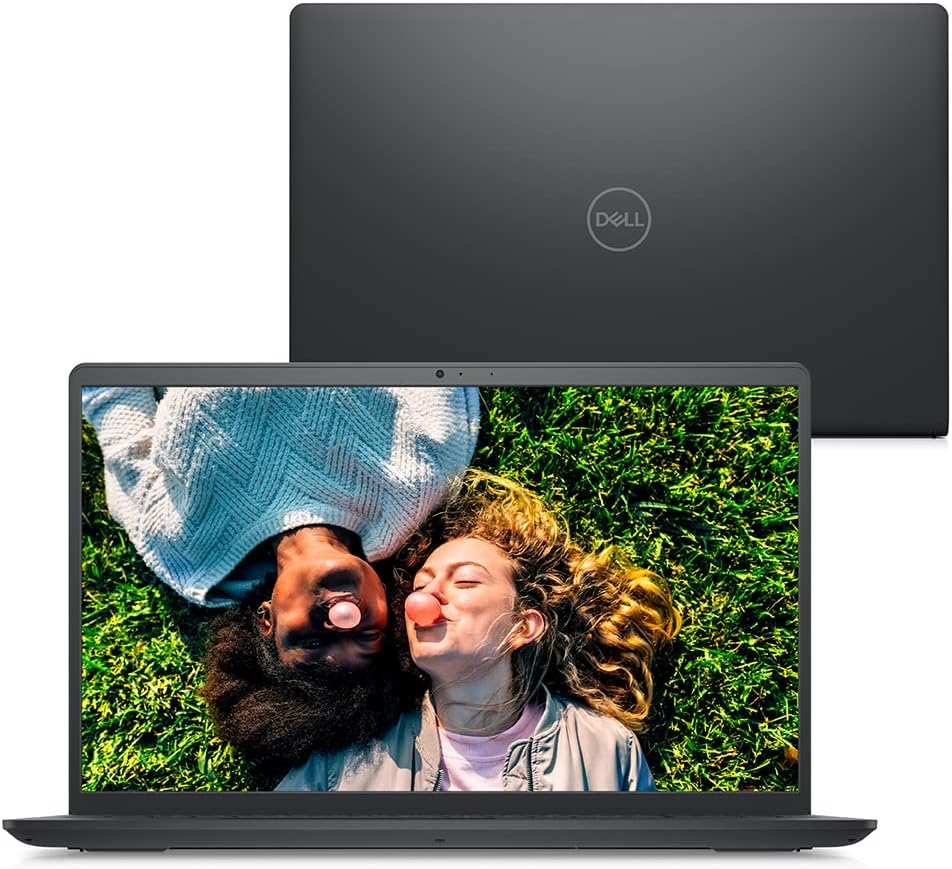
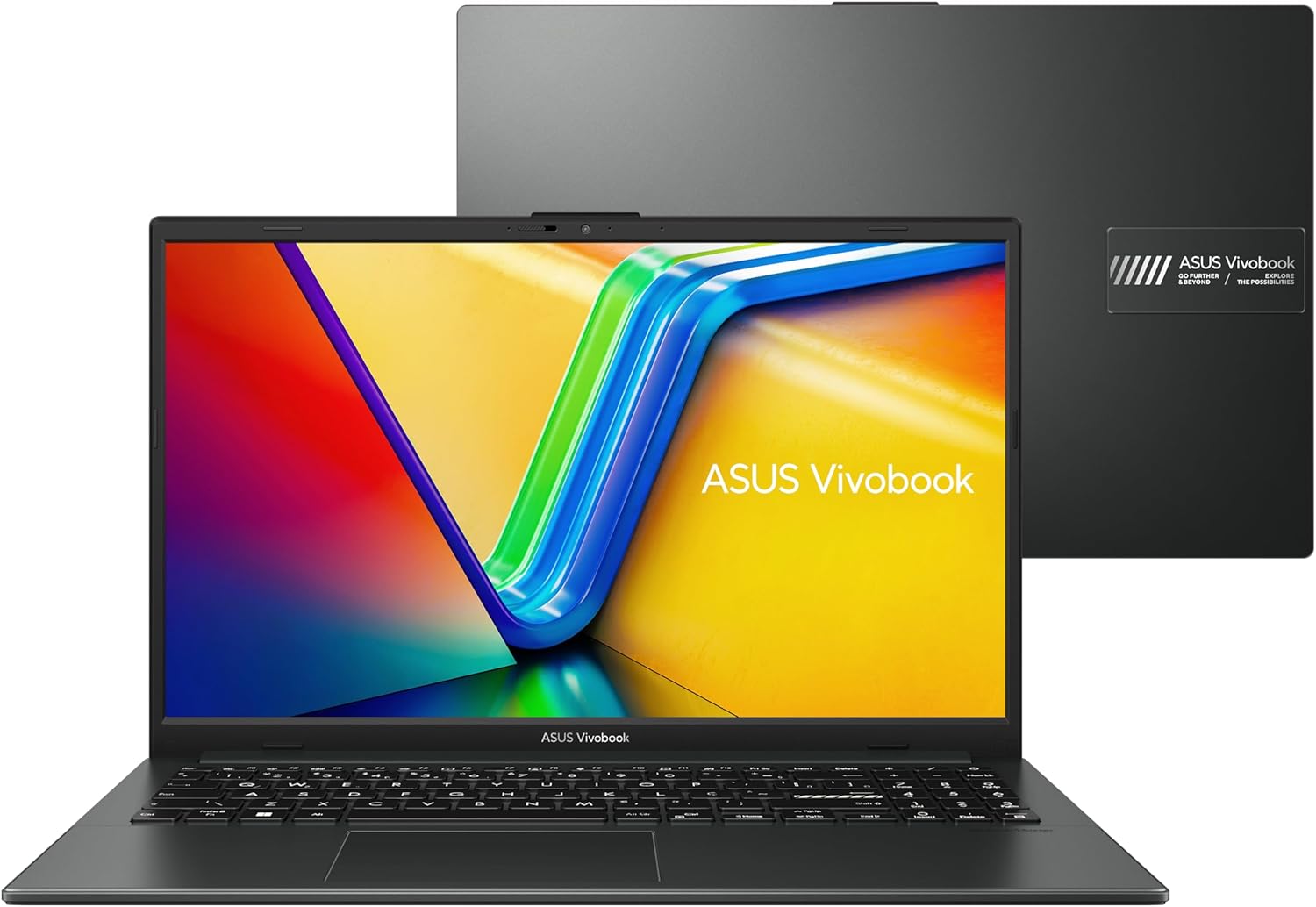
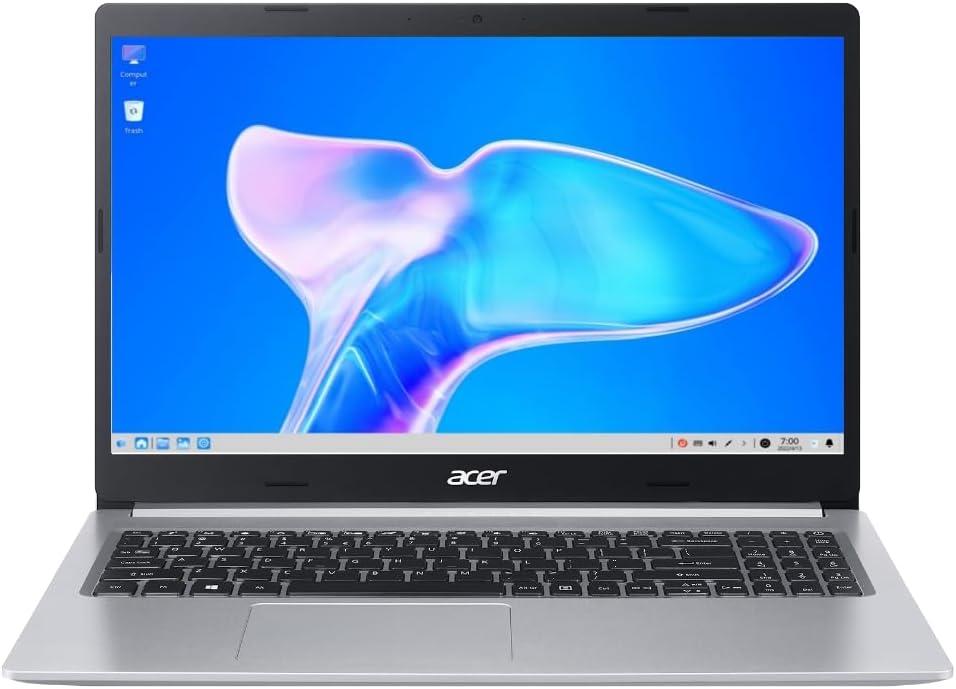
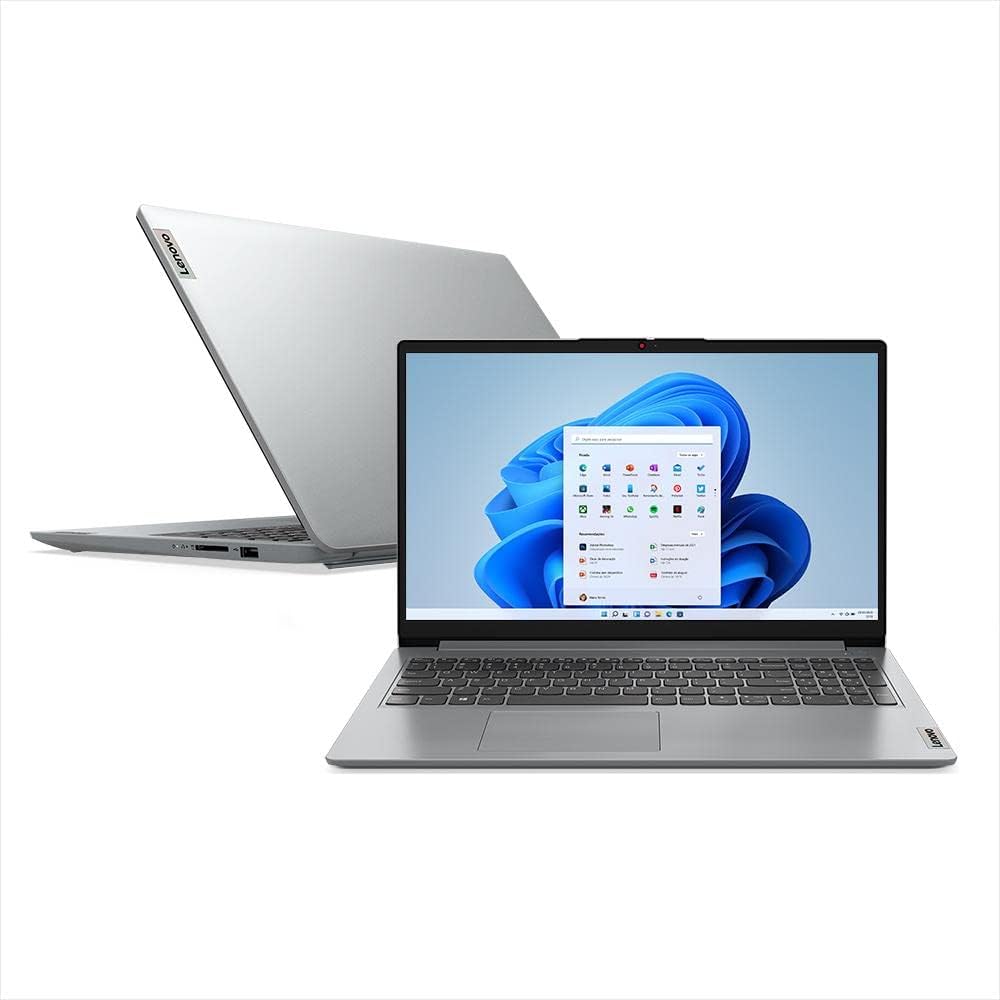
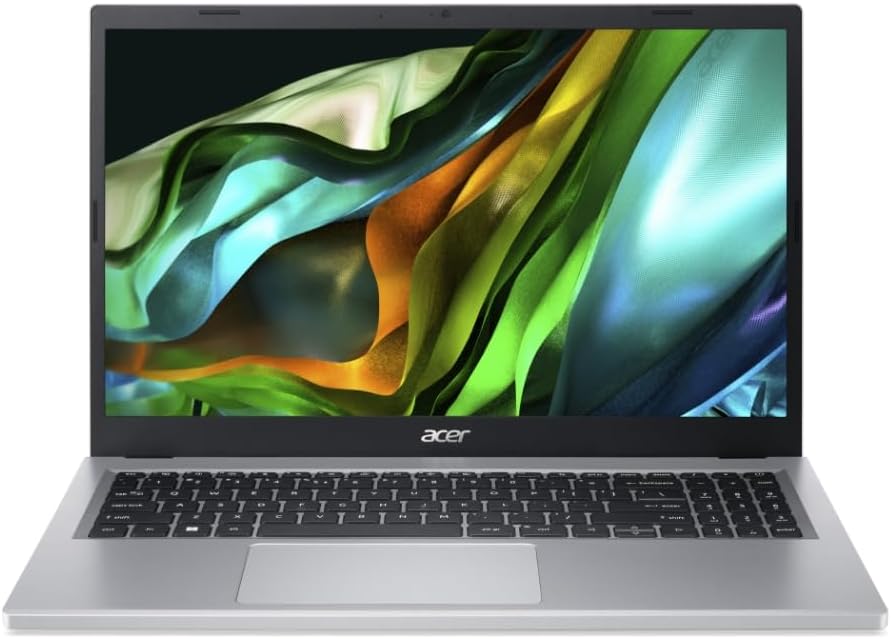
Table of Contents
- Dell Inspiron Notebook
- ASUS VivoBook Go 15
- Acer Aspire 5
- Lenovo Ideapad 1i
- Acer Aspire 3
- How to Choose Your Notebook
- Important Purchase Tips
- Frequently Asked Questions
- Conclusion
Dell Inspiron Notebook: Reliability and Balance
The Dell Inspiron is the perfect choice for those seeking reliability and balanced performance. With elegant design and robust construction, it offers everything you need to study and work with peace of mind.
The 15.6-inch screen ensures visual comfort during long study sessions. Dell's build quality is renowned, making this notebook a safe investment for years of use.
ASUS VivoBook Go 15: Modern Technology
The ASUS VivoBook Go 15 combines modern design with advanced technology. Equipped with efficient AMD Ryzen processor and DDR5 memory, it offers quick response for all academic and professional tasks.
Its reduced weight and long-lasting battery make it the ideal companion for students. The anti-glare screen is perfect for studying in different lighting environments.
Acer Aspire 5: Versatility and Storage
The Acer Aspire 5 is synonymous with versatility and performance. With ample 512GB SSD storage, you'll have enough space for all files, projects, and applications.
The IPS screen offers vibrant colors and superior viewing angles. This makes the user experience more pleasant and productive, especially for those working with images or presentations.
Lenovo Ideapad 1i: Touchscreen Practicality
The Lenovo Ideapad 1i stands out with its responsive touchscreen and ultraportable design. Ideal for those who value practicality and mobility.
It offers consistent performance for studies and light work. Premium construction and careful finishing ensure durability and style in any environment.
Acer Aspire 3: Best Value
The Acer Aspire 3 offers the perfect balance between quality and affordability. With efficient AMD Ryzen processor and competent integrated graphics, it perfectly serves students and professionals.
Its solid construction and timeless design make it a smart choice. For those starting their academic journey or needing a reliable machine at an accessible price, this is the best option.
How to Choose the Ideal Notebook for Your Studies
For Humanities Students
If you're studying areas like Law, Literature, History, or Administration, where focus is on texts and research, the Dell Inspiron and Acer Aspire 3 are ideal. They offer sufficient performance for document editing, browsing, and video classes.
For Science Students
Courses like Engineering, Mathematics, or Computer Science may require more processing power. The ASUS VivoBook Go 15 and Acer Aspire 5 are recommended, with more powerful processors to run specific software.
For Remote Work
If you work from home with online meetings and corporate documents, the Lenovo Ideapad 1i with touchscreen offers extra practicality. The Dell Inspiron ensures reliability for long work sessions.
For Mixed Use
Those who need to balance studies, work, and light entertainment, the Acer Aspire 5 with larger storage is excellent. It offers space for all types of files without worrying about running out of storage.
Important Tips for Your Purchase
Always Compare Prices
Affordable notebooks can have significant price variations between stores. Always check different platforms before deciding on your purchase to ensure you're getting the best deal.
Consider the Warranty
Study notebooks are medium-term investments. Always check warranty terms and seller reputation, especially for online purchases. Good warranty can save you headaches in the future.
Think About the Future
Choose a model that meets not only your current needs but also what you might need in the next 2-3 years. Consider your course requirements and how your usage may evolve.
Check Included Accessories
Some sellers offer freebies like mouse, case, or additional software. These extras can make a difference in the total value of your investment and enhance your experience.
Frequently Asked Questions
What's the best notebook for humanities students?
The Dell Inspiron and Acer Aspire 3 are ideal, offering sufficient performance for document editing, browsing, and video classes. Both handle typical humanities workloads perfectly.
How much storage do I need for studying?
For basic studies, 256GB is enough. If you work with large files or multimedia projects, choose the Acer Aspire 5 with 512GB for more flexibility.
Are these notebooks good for remote work?
Yes! All models handle video calls, documents, and spreadsheets perfectly. The Lenovo Ideapad 1i with touchscreen offers extra practicality for professional tasks.
Which notebook has the best battery life?
The ASUS VivoBook Go 15 offers up to 9 hours of battery, perfect for students who spend the whole day on campus without access to outlets.
Is 8GB RAM enough for studying?
Yes, 8GB RAM is sufficient for studies and light work like browsing, documents, spreadsheets, and video conferences. It's the sweet spot for student needs.
Can I upgrade these notebooks later?
Most models allow RAM and storage upgrades. However, check specific model specifications before purchasing if upgradability is important to you.
Do I need a dedicated graphics card for studying?
No, integrated graphics are sufficient for typical student tasks. Only consider dedicated graphics if your course requires specific software like CAD or video editing.
Conclusion: Which Notebook Under $1000 to Choose?
All presented models offer excellent cost-benefit for students and professionals who need a reliable notebook for light work. Choose based on your priorities and specific needs.
Best overall cost-benefit: Acer Aspire 5 offers larger storage and great performance. Best for mobility: ASUS VivoBook Go 15 has the longest battery life at 9 hours. Best for reliability: Dell Inspiron provides superior build quality. Most versatile: Lenovo Ideapad 1i includes practical touchscreen functionality. Best entry-level: Acer Aspire 3 delivers great starting price without sacrificing quality.
Regardless of your choice, all these notebooks offer the necessary performance for studies, light work, and daily use. They are smart investments that will accompany your academic and professional journey with efficiency and reliability.