How the Internet Works: From Your Phone to the Cloud
Discover what happens in milliseconds when you click a link. Learn the data journey, what the cloud really is, and optimize your home setup.
You click a link, stream a 4K video, or shoot off a text. It all happens in a split second, almost like magic. But have you ever stopped to think about the incredible journey your data takes?
The internet is the most complex infrastructure ever built by humans, yet most of us only notice it when the Wi-Fi drops. Understanding how this network actually works isn't just techie curiosity—it's essential for buying the right gear and not getting stuck in the slow lane when you need speed most.
In this ultimate guide, I'm taking you on a trip through the "invisible highway." We'll go from that tap on your smartphone screen all the way to massive server farms on the other side of the planet, breaking it all down in plain English.
You'll discover what "the cloud" really is, how cables at the bottom of the ocean keep the world connected, and of course, how to make sure your home connection is running at full throttle.

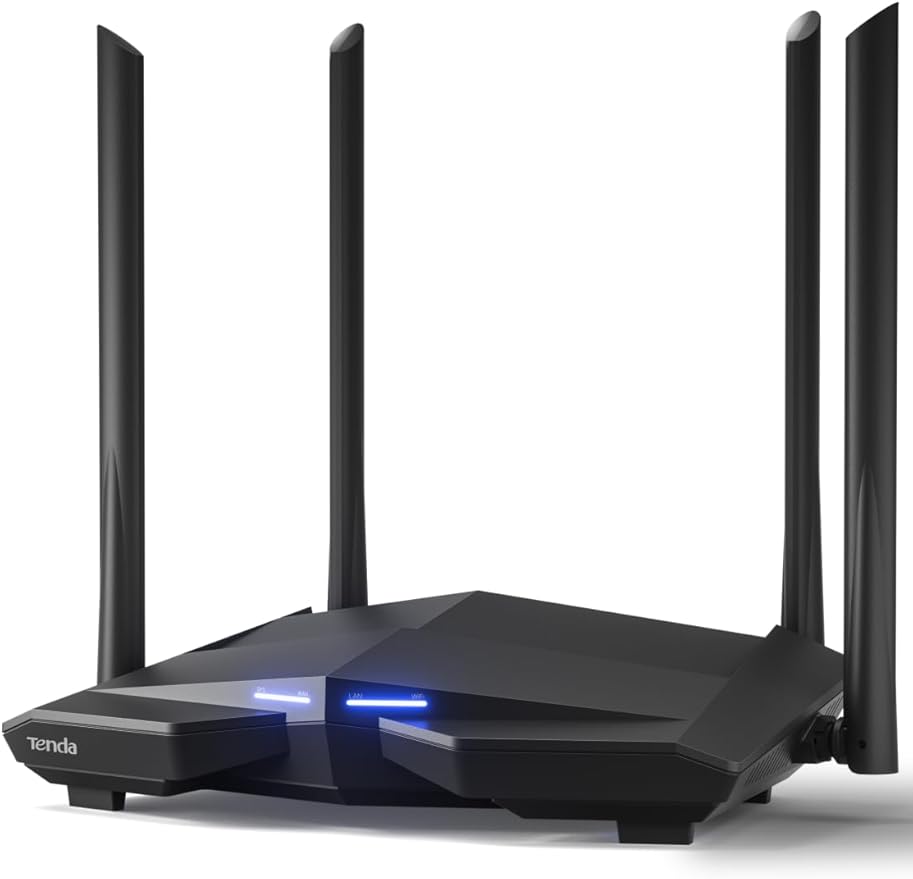


Table of Contents
- The Invisible Highway: From Click to Server
- Essential Hardware: What Makes the Internet Work
- DNS: The Internet's Phone Book
- The Truth About the Cloud and Data Centers
- Submarine Cables vs. Satellites
- Frequently Asked Questions
- Conclusion
The Invisible Highway: From Click to Server
Imagine you want to send a letter to a friend in Japan. You write it, seal the envelope, address it, and drop it at the post office. The internet works in a surprisingly similar way, except it's digital and happens at the speed of light.
When you access a website or send a WhatsApp message, your device (whether it's a phone or computer) breaks that information into tiny chunks called packets.
The Journey of a Data Packet
- The Request (The Click): You type an address or tap an app. Your device starts a request.
- The Local Network (LAN): Data travels from your device to your router via radio waves (Wi-Fi) or cables.
- Your ISP (Internet Service Provider): The router sends data to your modem, which translates the signal to travel through your provider's network (Comcast, Verizon, AT&T, etc.).
- The Backbone: Your data enters the internet's "highway," traveling through high-speed fiber optic cables until it finds the destination server.
This exchange happens millions of times. If a packet gets lost along the way (like a misplaced letter), the TCP/IP protocol (the rules of the road) notices and requests an instant resend. That's why videos sometimes freeze ("buffering") while waiting for delayed packets to arrive.

Essential Hardware: What Makes the Internet Work
For the magic to happen, we need physical equipment. Often, the sluggishness we experience isn't the ISP's fault—it's outdated hardware right inside our own homes.
Understanding what each piece does is crucial for setting up a smart home that runs without hiccups.
The Modem: Your Gateway
The modem is the translator. The internet reaches your home through a specific signal (light through fiber optic, electrical through coaxial cable). The modem takes that external signal and converts it into digital language your computers understand.
Without a modem, you'd have a local network but no way out to the wider world.
The Router: Traffic Director
The router manages the traffic flow. It takes the connection from the modem and distributes it to your devices. It assigns an internal address (local IP) to each device, making sure your YouTube video goes to your tablet and not your smart fridge.
Expert Note: If you're using the standard equipment from your ISP, it's probably a "modem-router combo" (2-in-1). Usually, they're pretty basic. For larger homes or lots of devices, investing in a dedicated Mesh Router system completely transforms your experience.
If you're struggling with weak signals, check out our guide on how to choose a router to eliminate those dead zones.
Connection Type Comparison Table
Understand the differences between connection types linking your devices to the router:
Connection Type | Stability | Latency (Ping) | Best Use |
|---|---|---|---|
Wi-Fi 5 (AC) | Medium | 5-15ms | Browsing, Phones |
Wi-Fi 6/6E (AX) | High | 3-8ms | 4K Streaming, Smart Home |
Ethernet Cable (Cat6/8) | Maximum | < 1ms | Online Gaming, Downloads |
DNS: The Internet's Phone Book
Ever wonder how your computer knows that google.com is Google's website? Computers don't understand names—they only understand numbers (IP Addresses).
An IP address is like a website's social security number or GPS coordinates. It would be impossible to memorize "142.250.190.46" just to access Google. This is where DNS (Domain Name System) comes in.
How "Translation" Works
- You type
netflix.com. - Your browser asks the DNS server: "What's Netflix's IP address?"
- DNS responds: "The IP is 54.237.226.164".
- Your browser dials that number and connects you to the server.
This happens in milliseconds. Sometimes, "slow internet" is really just a DNS server taking forever to respond. Switching your router's DNS (to Cloudflare's 1.1.1.1 or Google's 8.8.8.8) can make your browsing noticeably faster, as these public DNS servers typically deliver response times between 10-25 milliseconds—way quicker than many ISP defaults.

Need to squeeze every drop of speed from your connection? Modern laptops and smartphones can leverage these faster DNS servers to load pages almost instantly.
The Truth About the Cloud and Data Centers
The term "cloud" is a brilliant metaphor, but it's totally misleading. There's nothing ethereal about it. The cloud is made up of fortified, loud, and freezing-cold buildings called Data Centers.
When you save a photo to Google Photos or iCloud, it's being written to a physical hard drive (or SSD) located on a server that could be in Texas, Ireland, or Singapore.
What's Inside a Data Center?
These facilities are the internet's brain. They contain:
- Servers: Thousands of computers stacked in racks, way more powerful than your home PC.
- Cooling Systems: Industrial-grade air conditioning to prevent servers from literally melting down.
- Power: Giant diesel generators ensuring the internet never "turns off," even if the city's power grid fails.
It's in these servers where the "Internet of Things" (IoT) runs. When you tell your Alexa to turn on the lights, your voice goes to a data center, gets processed, and the command comes back to your smart bulb. Want to understand more? Read our post about what is IoT.
Submarine Cables vs. Satellites: Who Carries the World?
With Starlink's popularity, lots of people think the internet comes from space. While satellite internet is game-changing for rural areas, it carries less than 1% of global traffic.
The real backbone of the internet is at the bottom of the ocean.

The Undersea Network
As of 2025, there are 570 active submarine cable systems, with over 1.48 million kilometers of submarine cables in service globally, connecting every continent (except Antarctica, mostly).
- Speed: A single modern cable can transmit hundreds of terabits per second—the equivalent of streaming Netflix's entire catalog simultaneously in seconds.
- Fragility: Despite being reinforced with steel and kevlar, these cables are about as thick as a garden hose. They're frequently damaged by ship anchors, earthquakes, and even shark bites (yes, that's actually happened).
When a cable breaks, traffic is automatically rerouted through another path, but this can cause slowdowns across entire countries. It's an impressive physical infrastructure enabling you to game online with someone on the other side of the world with minimal lag.
To make sure you're taking advantage of all that speed, having good cables at home is essential. Bad cables are a common bottleneck. Check out our breakdown of input types and cable connections so you don't make the wrong purchase.
What About 5G?
5G is the technology connecting the "last mile" wirelessly. It's incredibly fast, but at the end of the day, 5G towers are also connected to fiber optic cables carrying data to the rest of the network.
To get the most out of 5G, you need compatible devices. Modern smartphones and iPhones are already full-blown connectivity hubs.
Frequently Asked Questions
Still have questions about how this massive network operates? Here are answers to the most common questions.
What happens if submarine cables are cut?
The internet has redundancy built in. If a cable linking the U.S. to Europe gets cut, traffic can be rerouted through cables going to Asia and then to Europe. The internet would be slower due to the longer path, but it wouldn't "end." To truly "shut down" a country, you'd need to cut dozens of cables simultaneously.
What's the difference between 2.4GHz and 5GHz Wi-Fi?
The 2.4GHz band has greater range and penetrates walls better, but it's slower and suffers more interference (from microwaves and cordless phones). The 5GHz band is much faster and more stable, but has shorter range. Ideally, use 5GHz for streaming and gaming near the router, and 2.4GHz for distant smart home devices.
What is Latency or Ping?
Latency is the time it takes for data to leave your device, reach the server, and come back. It's measured in milliseconds (ms). In online gaming, low latency (< 20ms) is more important than download speed. A fiber optic connection typically has much lower latency than satellite.
Does Satellite Internet (Starlink) Replace Fiber?
For most urban users, no. Fiber optic is still more stable, cheaper, and has lower latency than satellites. Satellite internet is the perfect solution for rural, maritime, or remote areas where laying cables isn't feasible.
Should I Turn Off My Router at Night?
It's not necessary. Routers are designed to run 24/7. However, rebooting it (unplugging for 30 seconds) once a month can help clear internal memory and fix minor connection bugs.

Conclusion
The internet isn't magic—it's an engineering masterpiece. From electrons racing through circuits in your smartphone, through radio waves from Wi-Fi, to pulses of light crossing oceans in fiber optic cables, every click triggers a global chain reaction.
Now that you understand the "invisible highway," it's easier to diagnose problems and make smart choices. Whether investing in a quality mesh router or swapping out that ancient ethernet cable, you have the power to improve your own digital "highway."
If your internet's lagging, don't just blame your ISP. Check your equipment, consider upgrading your router or cables, and make sure your home is ready for the connected future.
For a complete home office setup, don't miss our roundup of tech home office accessories and our guide on cable management for your desk.