How to Choose a Good Graphics Card for Your Needs
Discover the best graphics cards with reviews and tips to choose the ideal GPU for your needs.
Choosing the right graphics card has become challenging with new releases from AMD, Nvidia, and Intel. With fluctuating prices and supply constraints, finding the perfect GPU requires careful consideration.
Whether you're building your first gaming rig or upgrading from an older card, the graphics card you choose will define your computing experience. The good news? 2025 has brought incredible options across every price range.
In this guide, I'll walk you through the best graphics cards available, helping you navigate specifications, performance, and value. From budget choices for 1080p gaming to high-end cards for 4K, we've got you covered.


Table of Contents
- GPU Market Overview
- Best Overall: AMD RX 9070
- Best Value: RX 9060 XT
- Best Budget: Intel Arc B570
- Best Mid-Range: RTX 5070 Ti
- Best High-End: RTX 5090
- Understanding GPU Specs
- Ray Tracing and Upscaling
- Power and Cooling
- Future-Proofing Tips
- Frequently Asked Questions
- Conclusion
GPU Market Overview
The GPU landscape is better than ever. AMD's RDNA 4 brings improved ray tracing, Nvidia's RTX Blackwell series introduces Multi Frame Generation, and Intel's Arc B-series offers compelling budget alternatives.
Pricing remains volatile due to supply constraints and tariffs. Understanding real-world value at current market prices is crucial for making smart purchasing decisions.
The sweet spot for most gamers lies between $300-$800, where you'll find cards capable of excellent 1440p gaming and decent 4K performance with upscaling.
Best Overall GPU: AMD RX 9070
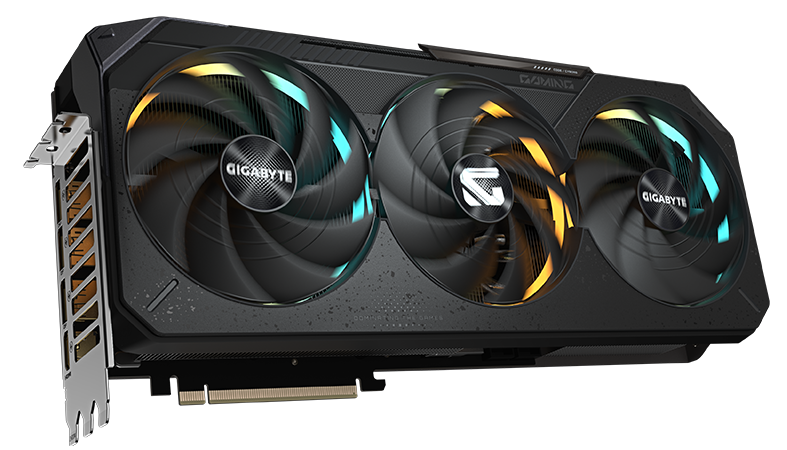
The AMD Radeon RX 9070 emerges as our top pick for best overall graphics card. This RDNA 4 GPU offers exceptional balance of performance, features, and value.
The RX 9070 delivers performance remarkably close to the more expensive RX 9070 XT. With 16GB of GDDR6 memory, you'll have plenty of headroom for high-resolution textures and future games.
The card excels at 1440p gaming, consistently delivering smooth framerates at high settings. For 1080p gaming, it's absolutely dominant, providing headroom for maximum settings and high refresh rates.
AMD's improvements to ray tracing with RDNA 4 are substantial. While not quite matching Nvidia's top-tier RT performance, the gap has narrowed considerably.
Best Value Choice: RX 9060 XT 16GB
If you're budget-conscious but don't want to compromise on VRAM, the AMD RX 9060 XT 16GB represents outstanding value.
This card offers 16GB of memory at a price point where competitors typically provide 8GB. For under $400, you're getting a card that handles modern games at 1080p with high settings.
At 1080p, the RX 9060 XT trades blows with Nvidia's more expensive RTX 5060 Ti. The extra VRAM becomes particularly valuable in games with high-resolution texture packs.
The card runs remarkably cool and efficient with just 160W power draw. This makes it perfect for smaller builds or systems with modest power supplies.
Best Budget Option: Intel Arc B570
The Intel Arc B570 might surprise you, but it's earned its place through solid performance and aggressive pricing.
At around $250, the B570 offers 10GB of GDDR6 memory and solid 1080p gaming performance. While it can't match AMD or Nvidia alternatives, it provides excellent value for budget builders.
The Xe2 architecture brings modern features including hardware-accelerated ray tracing and XeSS upscaling support. When XeSS is available, it often produces better image quality than AMD's FSR.
Driver stability has improved dramatically since first Arc generation. Intel's driver team has been responsive to community feedback, making this a viable budget option.
Best Mid-Range: RTX 5070 Ti
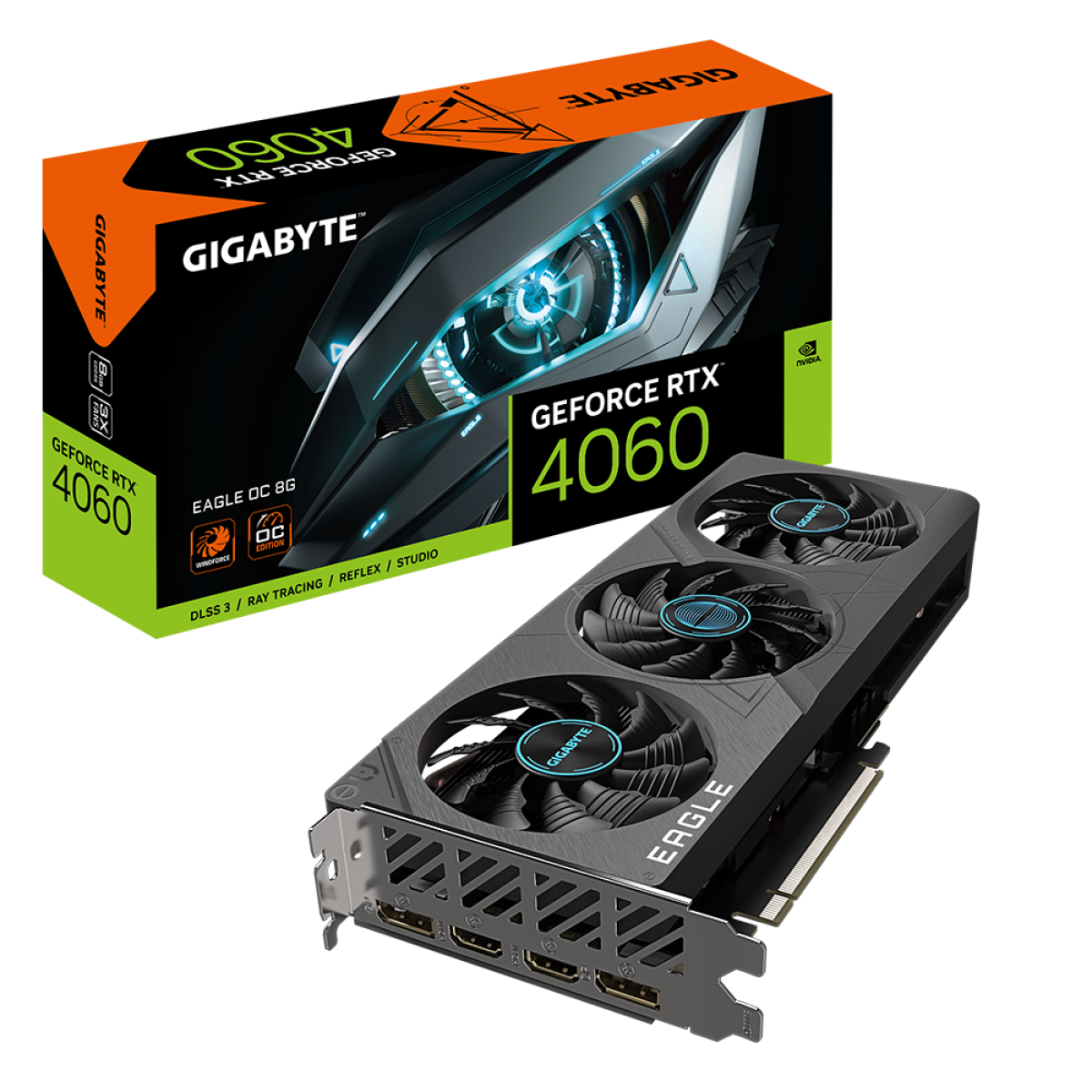
The Nvidia RTX 5070 Ti sits at the perfect intersection of performance and premium features, ideal for enthusiasts who want high-end capabilities.
This card delivers excellent 1440p performance and respectable 4K gaming when combined with DLSS 4 upscaling. Native 4K performance is solid, but real magic happens with Nvidia's advanced features.
Multi Frame Generation (MFG) is where the RTX 5070 Ti truly shines. This technology can insert up to three AI-generated frames, dramatically boosting perceived performance in supported games.
The 16GB of GDDR7 memory provides ample headroom for high-resolution gaming. The memory bandwidth of 896 GB/s keeps everything running smoothly.
Best High-End: RTX 5090
For those who demand absolute maximum performance regardless of cost, the Nvidia RTX 5090 stands alone as the ultimate gaming GPU.
With 21,760 shader cores and 32GB of GDDR7 memory, this card handles anything you throw at it. Native 4K gaming at maximum settings? Easy. High refresh rate 4K with ray tracing? No problem.
Multi Frame Generation reaches its full potential here, delivering frame rates impossible through traditional rendering. Beyond gaming, it excels at content creation, AI workloads, and professional applications.
Current street prices hover around $3,000. You'll also need a robust 850W+ power supply and excellent case ventilation to handle the 575W TGP.
Understanding GPU Specifications
When shopping for a graphics card, several key specifications determine performance and suitability.
Memory (VRAM) Considerations
Modern games are increasingly memory-hungry. 8GB is becoming the minimum for comfortable 1440p gaming, while 16GB provides better future-proofing.
Cards with insufficient VRAM will experience stuttering and performance drops. It's better to invest in more VRAM upfront than upgrade sooner due to memory constraints.
Ray Tracing and Upscaling
Ray tracing has evolved from a nice-to-have feature to an essential part of modern gaming. The latest generation handles ray-traced lighting, reflections, and shadows much better.
Upscaling Technologies
DLSS 4 represents the current gold standard for AI upscaling. The Transformer-based models produce exceptional image quality, often looking better than native rendering.
FSR 4 brings AMD closer to DLSS quality through AI enhancement, but game support remains limited. FSR 3.1 works on any GPU but typically produces softer images.
XeSS from Intel often produces better results than FSR but isn't as widely adopted. It works on any GPU but performs best on Arc cards.
Power Requirements and Cooling
Modern GPUs demand significant electrical power and cooling capacity.
Power Supply Recommendations
- Budget cards (RX 9060 XT, RTX 5060): 550-650W PSU
- Mid-range cards (RX 9070, RTX 5070 Ti): 700-750W PSU
- High-end cards (RTX 5090): 850W+ PSU
Always choose a high-quality PSU from reputable manufacturers. Cheap power supplies can damage expensive graphics cards.
Cooling Considerations
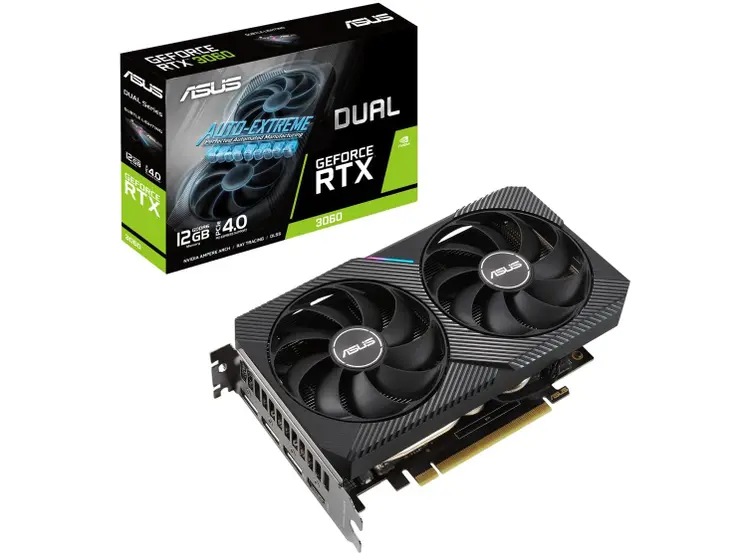
Most modern GPUs feature excellent cooling solutions. Look for cards with dual or triple fan designs for better thermal performance and lower noise levels.
Case airflow matters more than GPU cooler design. Ensure your case has adequate intake and exhaust fans to prevent heat buildup.
Future-Proofing Your GPU Purchase
When investing in a new graphics card, consider how long you want it to remain relevant.
VRAM is crucial for longevity. Games continuously increase memory requirements. 16GB should be considered the minimum for cards expected to last 3-4 years.
Feature support matters for future gaming experiences. Ray tracing support, modern video codecs, and AI acceleration will become increasingly important.
Consider your upgrade cycle. If you upgrade frequently (every 1-2 years), prioritize current performance. If you prefer keeping cards for 4+ years, invest in more VRAM.
Frequently Asked Questions
What's the best GPU for 1440p gaming?
The AMD RX 9070 offers the best balance of performance and value for 1440p gaming, with 16GB VRAM and excellent ray tracing capabilities at a reasonable price point.
How much VRAM do I need for gaming?
8GB is minimum for 1080p gaming, 16GB is ideal for 1440p and future-proofing, and 24GB+ for 4K gaming at maximum settings with ray tracing enabled.
Is AMD or Nvidia better for gaming?
Nvidia leads in ray tracing and AI features like DLSS 4, while AMD offers better value with more VRAM at lower prices. Choose based on your priorities and budget.
What power supply do I need for modern GPUs?
Budget GPUs need 550W, mid-range cards need 700W, and high-end GPUs like RTX 5090 require 850W+ power supplies from quality manufacturers.
Are Intel Arc GPUs worth buying?
Yes, the Arc B570 offers great budget value at $250 with 10GB VRAM and modern features, though driver support is still improving compared to AMD and Nvidia.
Should I wait for next generation GPUs?
There's always something new coming. If your current GPU meets your needs, wait. If you're struggling with performance, upgrade now rather than waiting indefinitely.
What's more important: ray tracing or high FPS?
Depends on your preferences. Competitive gamers prioritize high FPS, while single-player enthusiasts may prefer ray tracing visual quality. Most modern GPUs balance both well.
Conclusion
The GPU market offers something for everyone, from budget builders to performance enthusiasts. The AMD RX 9070 emerges as our top overall pick, delivering excellent 1440p performance with 16GB of VRAM at a reasonable price.
For value seekers, the RX 9060 XT 16GB provides outstanding bang for buck, while the Intel Arc B570 serves budget builders. Enthusiasts should consider the RTX 5070 Ti for advanced features. At the extreme high end, the RTX 5090 remains unmatched for absolute maximum performance.
Prioritize VRAM over raw performance for longevity. Memory requirements continue growing, and insufficient VRAM causes more problems than slightly lower compute power. The right GPU depends on your budget, performance expectations, and upgrade timeline - whether you choose AMD's value, Nvidia's features, or Intel's budget alternative, 2025's lineup ensures you'll find something that meets your needs.